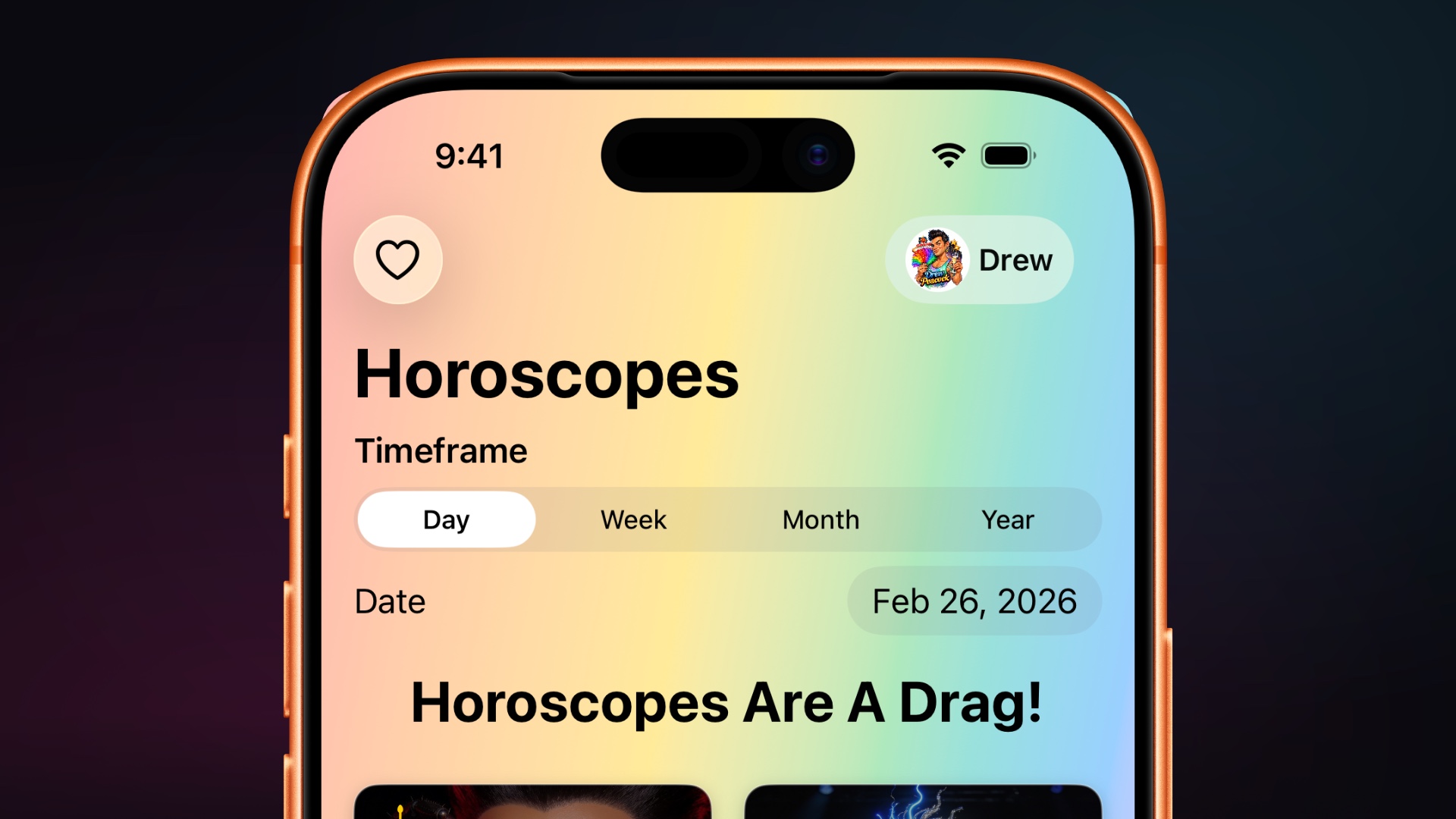
The QVegas app has always been the quickest way to connect with LGBTQ+ Las Vegas. With the April 2026 update, it becomes something far more powerful: a personal dashboard for your health, your community, and your city. Here's your complete guide to what's new and how to make the most of it. Getting Started Download QVegas from the App Store and sign in with your Apple ID. That's it — one tap, no passwords to remember, no forms to fill out. Your QVegas account is automatically created with a secure profile, and it syncs with the website so your favorites and preferences follow you everywhere. The app is built for iPhone, iPad, and Apple Vision Pro, and it adapts beautifully to each screen size. The Five Tabs Articles Your feed of LGBTQ+ news, culture, and features from the QVegas editorial team. Articles appear in a clean grid — two columns on iPhone, three on iPad. Tap the heart icon on any article to save it to your favorites. Pull down to refresh, and use the filter button to show only your saved articles when you want to revisit them. Directory The LGBTQ+ business directory comes alive on mobile. At the top, an interactive Apple Maps view shows businesses near you with color-coded pins — pink for LGBTQ-owned, cyan for LGBTQ-friendly. Below the map, browse the full list with logos, badges, and category tags. Tap a category chip to filter: businesses, nonprofits, advocacy organizations, government services, media outlets, and chambers of commerce. Every listing shows ownership status, verification badges, and a direct link to full details including hours, phone, website, and directions. The heart icon lets you save your favorite businesses for quick access later. Favorites Everything you've hearted across the app lives here in one place: favorite businesses, articles, magazine issues, and zodiac signs. It's your personalized QVegas — the places you love, the content that resonates, and the readings you follow. Sign in is required to sync favorites across devices. Wellness This is where the QVegas app goes beyond anything else in LGBTQ+ community media. The Wellness tab is a complete health dashboard — private, encrypted, and designed specifically for the health needs of our community. It deserves its own section. The Wellness Dashboard Open the Wellness tab and you're greeted by name with a time-appropriate message — "Good Morning," "Good Afternoon," or "Good Evening." Below your greeting, a daily summary card shows today's date and your current health snapshot. Activity tracks your daily steps with a visual progress bar toward your goal. It syncs with Apple Health to pull in workouts across 55+ activity types — everything from gym sessions to yoga to swimming. Vitals shows your resting heart rate, blood pressure, and body composition metrics, all pulled from Apple Health in real time. Sleep displays last night's duration and quality score with detailed analysis of your sleep patterns. Medications is purpose-built for the medications our community relies on. Track PrEP, ART, HRT, mental health medications, and supplements. Set reminders, view your schedule, and monitor adherence over time with a calendar view. A disclaimer reminds you that the tracker supplements — never replaces — your healthcare provider's guidance. Mood & Journal offers quick emoji-based mood check-ins on a five-point scale, free-form journaling with timestamps, and validated behavioral health screenings including the PHQ-9 (depression) and GAD-7 (anxiety) instruments. Crisis resources with direct links to the 988 Suicide Lifeline, Trevor Project, and Trans Lifeline are always one tap away. Find Care opens a provider directory pre-filtered for health and wellness services. Filter by service type — testing, mental health, gender-affirming care, or general practice — and see providers on a map with badges showing whether they offer free testing, sliding-scale fees, walk-in availability, or case management. Privacy and Security Every piece of wellness data is encrypted with AES-256 encryption — the same standard used by the federal government for classified information. Your medication names, dosages, journal entries, mood scores, and screening results are encrypted before they ever leave your device. QVegas cannot read your health data. No one can, except you. The app integrates with Apple Health through Apple's own privacy framework. You control exactly what data is shared, and you can revoke access at any time in Settings. Horoscopes Browse all twelve zodiac signs in a visual grid with their glyphs and date ranges. Tap any sign to read its horoscope, then use the segmented control at the top to switch between daily, weekly, and monthly readings. The date picker lets you browse horoscopes from previous days. Save your sign as a favorite for one-tap access to your reading every morning. Coming this Fall – Apple Watch A companion watchOS experience puts key wellness metrics on your wrist. Check your steps, heart rate, and medication schedule with a glance at your Apple Watch complication. The QVegas app is free on the App Store. Download it today and bring LGBTQ+ Las Vegas with you everywhere you go.